Security
The Security page lets you manage your personal login credentials — passkeys for biometric sign-in and your account password. These settings apply to your individual account, not the team workspace.
Opening security settings
- Navigate to Settings.
- In the Settings sidebar, click Security.
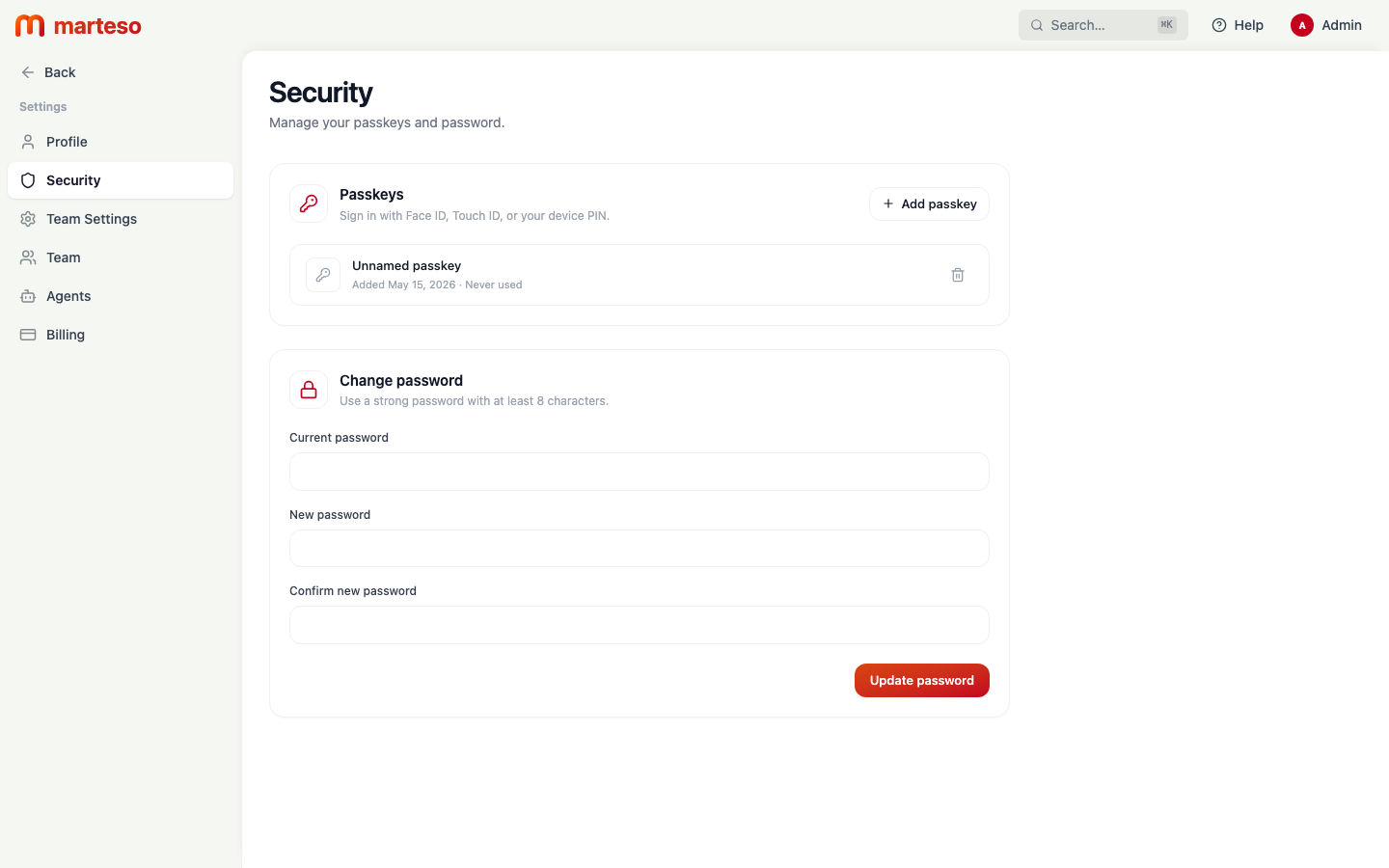
Passkeys
Passkeys let you sign in to Marteso using Face ID, Touch ID, or your device PIN — no password required.
Adding a passkey
- Click + Add passkey in the Passkeys section.
- Your browser or device will prompt you to authorize the passkey using your biometric method.
- Once confirmed, the passkey appears in the list with the date it was added and when it was last used.
Removing a passkey
Click the trash icon next to a passkey to delete it. If you delete all passkeys, you'll need your password to sign in.
Change password
Use the Change password section to update your Marteso account password.
- Enter your Current password.
- Enter your New password (minimum 8 characters).
- Confirm the new password in Confirm new password.
- Click Update password.
If you've forgotten your current password, use the sign-in page's "Forgot password" flow to reset it via email.