Localization
Localization is one of the highest-ROI moves available to an indie iOS developer after the US market is stable. A well-executed German or Japanese listing — with translated title, subtitle, keyword field, and screenshots — often costs a few hours and can unlock a market that's as large as several US state-level download segments. This guide shows how to decide where to invest and how to run the review.
Storefront prioritization worksheet
Not every market is worth custom metadata. Use this worksheet to prioritize where to start:
| Step | Question | Where to check |
|---|---|---|
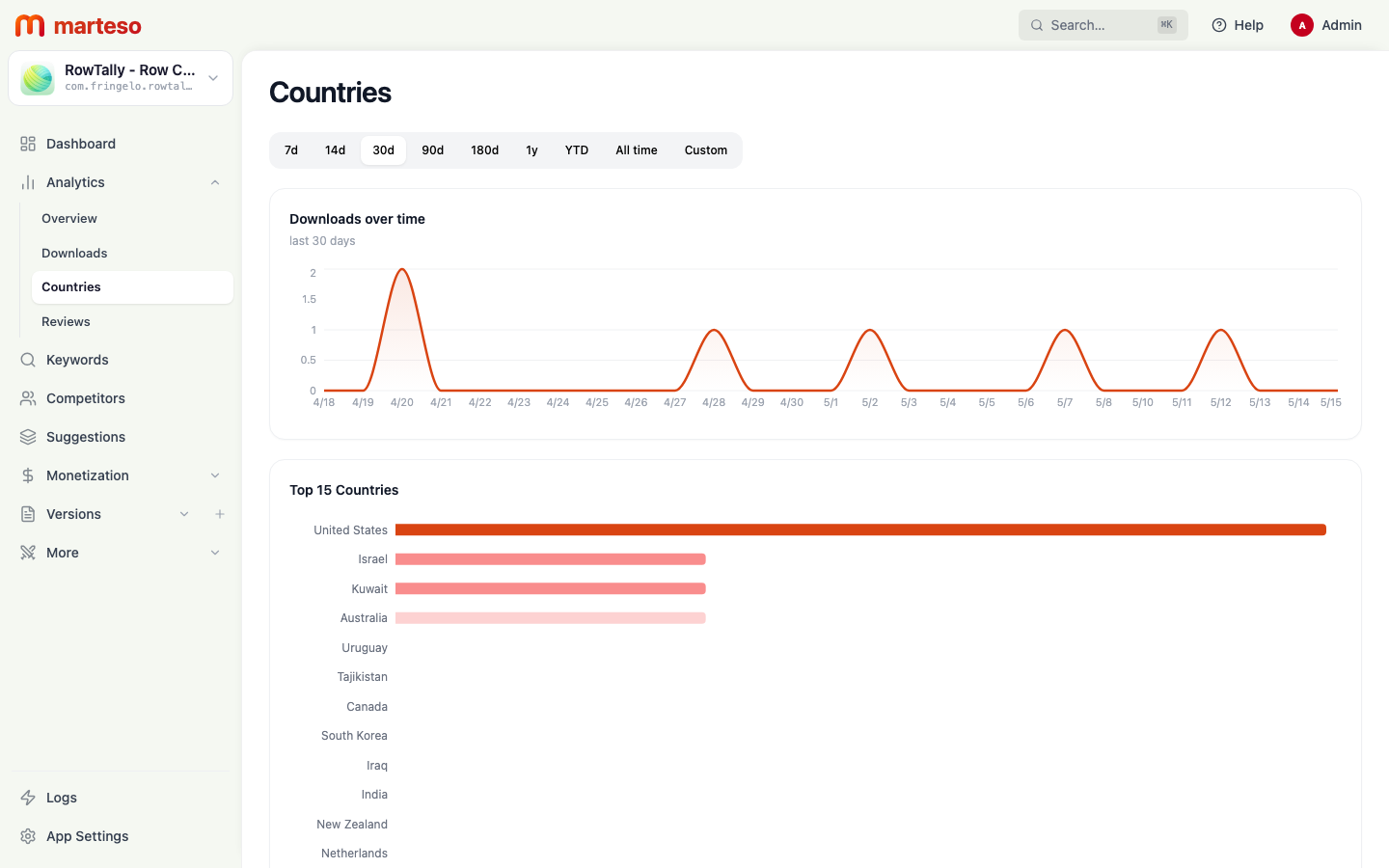
| 1 | Which storefronts already send you downloads without localization? | Marteso Analytics → Countries |
| 2 | Where do you have above-average organic ranks without localized metadata? | Marteso keyword dashboard → Store column per keyword |
| 3 | Where are competitors localized that you aren't? | Marteso Competitors tab → check their metadata |
| 4 | What's the market size relative to US? | Public App Store revenue data |
| 5 | Do you have a translator you trust for this language? | Internal capacity check |
High-signal markets to evaluate first:
| Market | Why it matters | Localization effort |
|---|---|---|
| Germany (de-DE) | Large, high-spend iOS userbase; German users strongly prefer localized apps | Medium — well-documented translation standards |
| Japan (ja) | App Store revenue per user is among the highest globally | High — UI and copy conventions differ significantly |
| France (fr-FR) | Large iOS market, app descriptions in French convert measurably better | Medium |
| Brazil (pt-BR) | Fastest-growing iOS market in Latin America | Medium |
| South Korea (ko) | High mobile spend, strong preference for local-language content | High |
| Netherlands (nl) | Punches above its weight for paid/subscription app revenue | Low — small market, test with keyword-only localization first |
Localization review checklist
Run this checklist for each locale you're localizing:
Keyword research
- Re-research keywords in the target language — don't translate English keywords literally
- Check what top-ranking local competitors use in their title and keyword field
- Validate search volume using Marteso's country-specific popularity scores
- Confirm that the translated terms reflect how local users describe the use case (not how English speakers would describe it)
Title and subtitle
- Title is under 30 characters in the target language (translated text is often longer)
- Subtitle is under 30 characters
- No direct keyword translation that would sound unnatural to a native speaker — use a native reviewer
- Brand name is consistent (usually keep the English brand name unless it has a phonetic issue in the local language)
Keyword field
- Entirely in the target language (mixing languages reduces effectiveness)
- No repeated words from the localized title or subtitle
- Under 100 characters
- Uses search terms validated by local rank data, not machine-translated English keywords
Description
- Proofread by a native speaker, not just machine-translated
- Opening lines work in the first 250 characters visible before "More"
- Feature names and product terms match what users search for locally
- Calls to action are idiomatic (e.g. the German direct download instruction is different from the US "Download now" pattern)
Screenshots
- Caption text is translated and naturally idiomatic
- UI screenshots show any locale-specific UI changes (if your app adapts to language)
- Right-to-left languages have mirrored device frames if appropriate
Review workflow per market
For each localized storefront, run one review cycle per metadata release:
- Draft — open Suggestions, filter by locale, run AI or review pending suggestions for the target market
- Keyword validation — check keyword popularity scores for the target country in the keyword dashboard
- Native review — have a native speaker review title, subtitle, and description before submitting
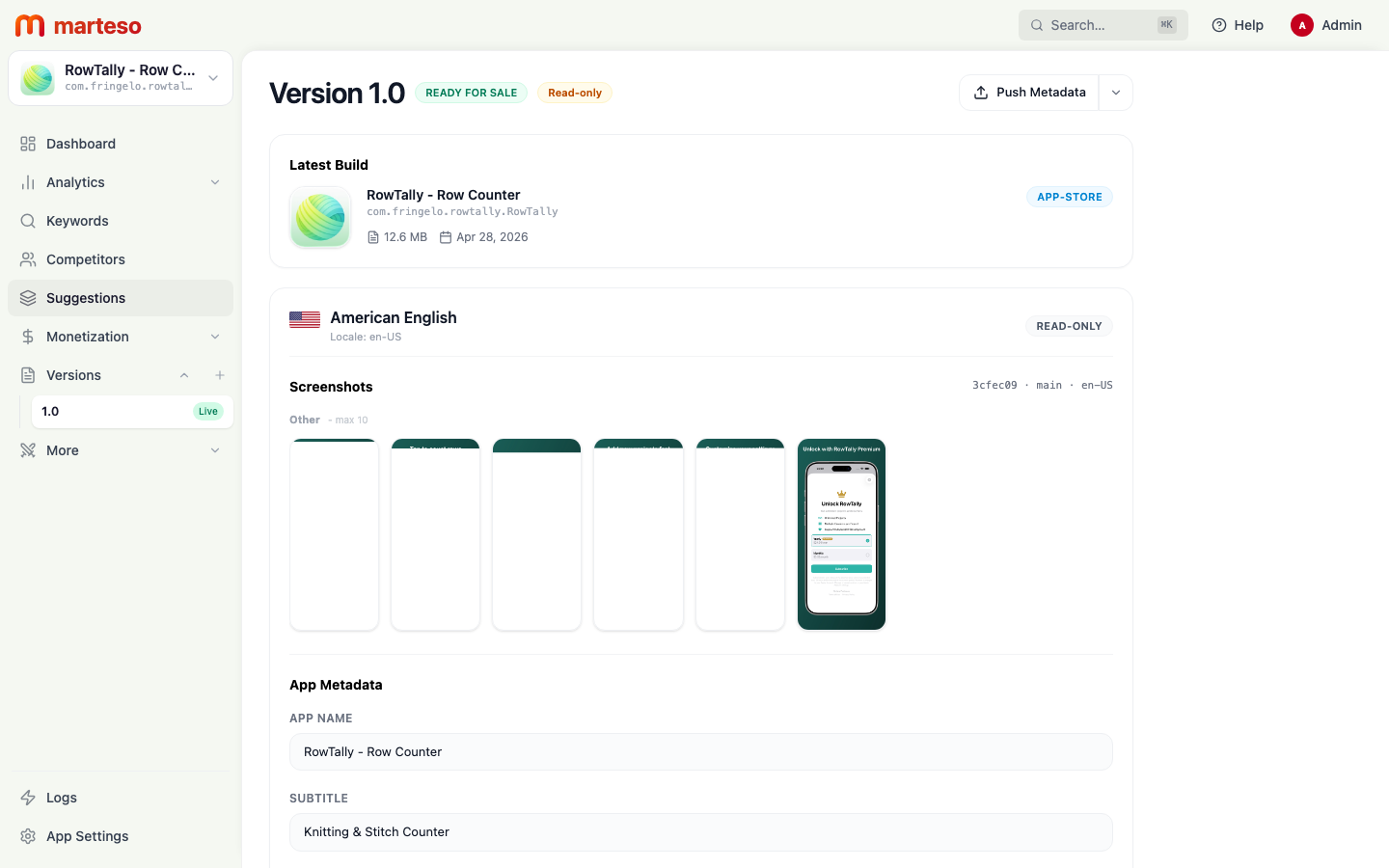
- Edit in Versions — open Versions, select the locale, and update the metadata fields directly
- Screenshot coordinate — if the locale needs custom screenshots, see Build automation
- Push to ASC — use Push Metadata in Versions to push the localized fields to App Store Connect
How separate storefronts prevent blended signals
One of the most common mistakes in multi-market ASO is reviewing aggregate analytics across all countries. If your overall downloads dip 10%, it's impossible to know if the US market dropped or if Germany is underperforming.
Marteso's per-country rank view lets you see rankings isolated by storefront. Keep separate readouts per country when reviewing a metadata change's impact:
- After a localization update to Germany, check rank movement for German-only keywords
- Don't average German keyword ranks with US ranks — they serve different metadata sets
- Use the country filter in the keyword dashboard to view each market in isolation